





 Web Application Development
  Mobile Apps
  Enterprise Software
  UI/UX Design
  Shopify
  Business Intelligence
  Data Analytics
  AI
AI  IT Consulting















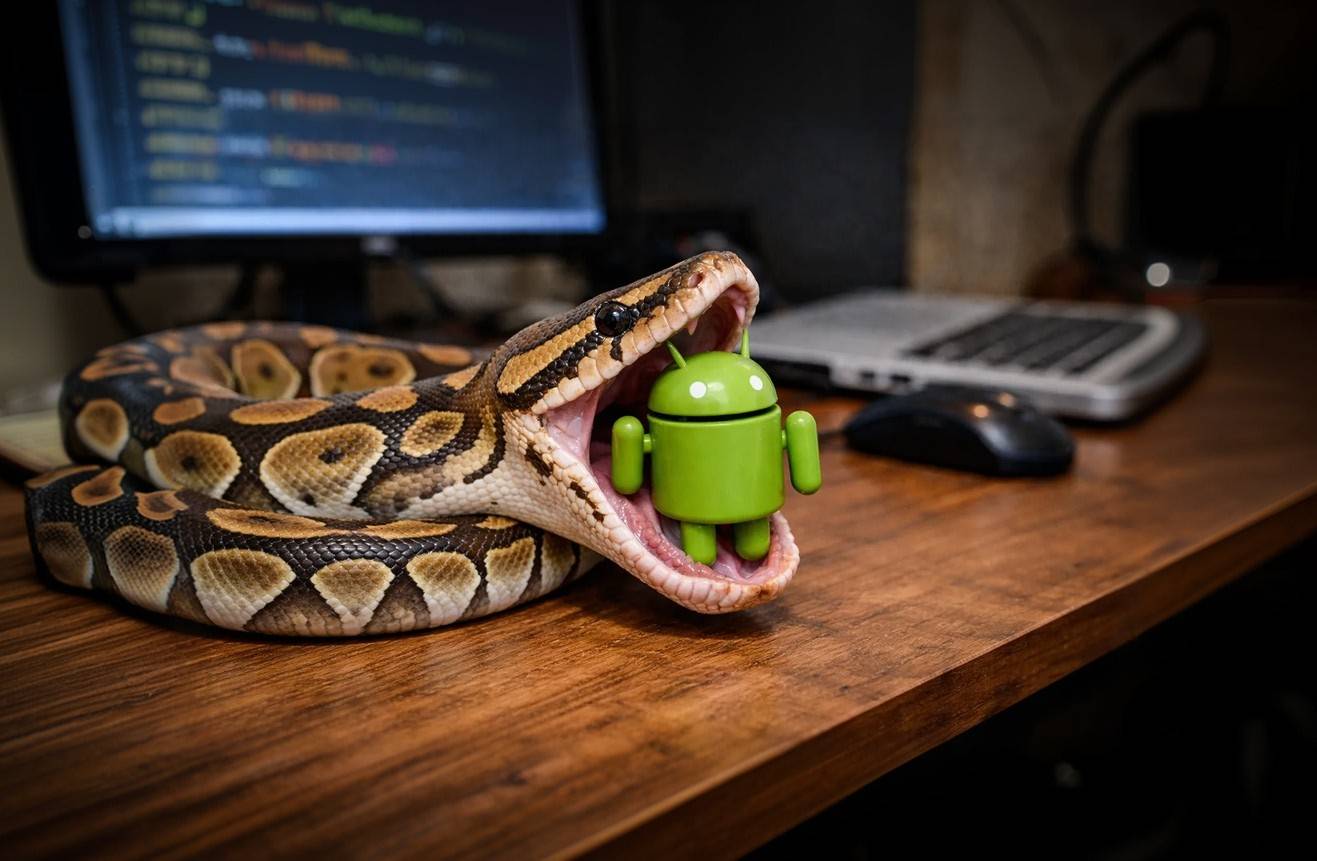
CommandLinux found that by the end of 2025, Android held 72.77% of the global mobile OS market. The total number of users now exceeds 3.9B worldwide. For businesses, it’s an audience too huge to ignore.
Until recently, building for Android has required mastering Java or Kotlin. They’re the standard for a reason. These languages integrate deeply with Android APIs and handle the heavy performance demands of modern hardware.
It seems counterintuitive to switch. Python hasn’t beaten Kotlin in raw performance or native adoption. But the language has evolved. It’s no longer just a quirky experiment. For rapid prototypes, AI development, and data-heavy software, it’s now a powerful alternative. In this post, we’ll analyze when Python app development for Android is an alternative to consider and when it’s best to stick with traditional approaches.

Why Most Choose Other Languages for Android App Development
Python wasn’t created for mobile. Android runs on a Java Virtual Machine (JVM). Google built its entire toolchain, including Android Studio and Jetpack Compose, specifically for JVM-compatible languages.
Python, by contrast, is an interpreted language. It doesn’t compile down to Android bytecode naturally. To run Python on a phone, you need to ship the language interpreter inside an app.
When you build an Android app with Python, you face a few vital issues:
- Translation layers. Frameworks must translate Python calls into Java Native Interface (JNI) calls to talk to the screen, camera, or GPS.
- Startup overhead. Before your app can show its first screen, it often needs to unzip the Python standard library and initialize the interpreter. This extra action may add 1–3 seconds to startup time. In the mobile world, that’s a lifetime.
- Size. A Hello World app in Kotlin may be as small as 2 MB. A Python Android app development project starts at 15–20 MB just to carry the necessary libraries.
For a consumer facing a slow download or a sluggish interface, these are flaws. But for business apps like dashboards, this trade-off is fine.
You might still wonder: is Python good for Android app development, taking all these specifics into account? A more logical question to ask is whether Python’s strengths align with your project’s priorities.
When You Should NOT Use Python for Android App Development
Let’s be direct. There are scenarios where choosing Python app development for Android is not an alternative path. It’s the wrong one. If your project falls into these categories, native Kotlin (or Flutter) is your only professional option.

Performance-Intensive Consumer Apps
Building a 3D mobile game or a real-time video editor? Python will struggle. The Python interpreter adds about 40% performance overhead in compute-intensive tasks. Plus, the overhead of the JNI bridge creates delays. While Python handles business logic well, it has issues with complex graphics rendering and animations that modern users expect without significant lag.
Apps Demanding Pixel-Perfect Native UI
Android users have their expectations: the way a list bounces when you scroll, the ripple effect on buttons, or the precise shadow depth of a card.
The problem here is that frameworks like Kivy draw their specific widgets. They look consistent across platforms, but they don’t look Android. These widgets can feel uncanny, like a website trying to be an app. If you’re competing with Instagram, TikTok, or a popular banking app, users will perceive a non-native UI as cheap or untrustworthy.
Solutions Relying on Bleeding-Edge Features
Did Google just release a new ARCore feature or a specialized foldable-screen API? Native developers can use it on Day 1. Python developers have to wait for maintainers of Kivy, BeeWare, or Chaquopy to write a wrapper for it. If your app’s selling point is the newest hardware features, you’ll be months behind the latest advancements with Python.
Markets Where App Size Matters
In emerging markets where data plans are expensive and storage is limited, size is critical. Users will delete a 40 MB utility app (inflated by Python libraries). They prefer a lean 5 MB native equivalent.

Wondering if Python fits your Android project? Let’s analyze your requirements together.
When Python Is Your Finest Choice
If you aren’t building the next Instagram, Python opens doors that native development keeps locked. Here’s where we see our clients succeed with Python app development for Android:

Rapid Prototyping and MVPs
Speed to market often trumps perfection. According to JetBrains’ State of Python 2025 report, 50% of Python developers have less than two years of total coding experience. 39% had been coding in Python for two years or less. Such accessibility, plus easy syntax, helps the language remain the primary entry point for new developers.
Let’s illustrate.
You have a startup idea. You need to prove it works before your runway ends. With Python, a functional MVP takes mere weeks. You don’t need to learn the complexities of Android Fragments or Gradle scripts. Simply write the logic, build the interface, and get it into users’ hands. If the product fails, you wasted weeks, not months. If it succeeds, you have the data to justify a native rewrite later.
Cross-Platform Code Reusability
The strongest advantage of Python for Android app development? It’s the ability to write once and deploy across several platforms. Frameworks like Kivy let developers maintain a single codebase that works on Android and iOS, plus desktop platforms if needed.
If you target both mobile platforms, Python brings substantial cost savings. You don’t need separate development teams for Android and iOS. You don’t have to build everything twice — just maintain one codebase.
Where’s the caveat? Here: your app won’t feel completely native on either platform. But for internal tools where consistency matters more than platform-specific polish, Python works perfectly.
Powerful Back-End Integration
Which development area does Python dominate? It’s the back end with frameworks like Django, Flask, and FastAPI — the three most popular options for building web applications and APIs. If your Android app relies heavily on server-side processing (for user authentication or content management), using the same language for the mobile front end and back end is a huge plus. Your developers can move between mobile and server-side code without context switching. Shared libraries run across your entire stack. Testing is simpler when the same team understands both ends of the system.
Sometimes, an app is just a window to a complex back end. In these cases, Python grants genuine architectural benefits.
AI and ML Integration
Python is the language of AI. According to the State of Python 2025 report, 41% of Python developers interact with ML libraries. TensorFlow, PyTorch, and scikit-learn — all the major ML frameworks — treat Python as a first-class citizen.
Native Android ML (with TensorFlow Lite plus Java/Kotlin) is powerful but complex. Python offers a shortcut. If you’re a team of data scientists who need to deploy a model to a tablet, you shouldn’t hire a Java developer. Using Python on Android allows you to run your models using the same syntax and tools you use on the server. While inference might be slower than a compiled C++ model, the development ease for internal AI tools is unmatched.
Cost vs. Value
Why do companies like Instacart and Spotify appear in conversations about Python?
Let’s clarify a common misconception: these unicorns don’t typically build their mobile front ends in Python. Their apps are written in Swift (iOS) and Kotlin (Android). However, they’re effectively Python shops. Their back ends, data analytics engines, and recommendation algorithms are Python-based.
The value proposition here is that if your back end team writes a complex pricing algorithm in Python, rewriting it in Kotlin for the mobile app introduces risk (bugs in translation) and cost (maintaining two versions of the logic).
With tools like Chaquopy, you can reuse that back end Python code directly inside the mobile solution. This ensures the algorithm on the phone behaves exactly like the algorithm on the server.
Code reusability is where the financial win lies. For SMBs, the math is even simpler. If you have three Python developers and zero Android developers, hiring a mobile agency or a new full-time employee is expensive. Equipping your Python team with Kivy allows them to deliver a mobile solution now, using the payroll you already have.
The Ecosystem: 850,000 Reasons to Consider It
As of early 2026, the Python Package Index (PyPI) hosts over 850,000 packages. This is the strongest argument for Python on Android.
When you develop natively, if you need to parse a niche scientific data format or connect to a legacy SOAP API, you might find the Java libraries lacking or deprecated. In Python, there’s almost certainly a library that was updated last week.
Some examples:
- Networking. Requests and FastAPI logic can move to mobile;
- Image processing. Pillow and OpenCV-Python are easier to use than Android’s native Bitmap factories;
- Cryptography. Python’s crypto libraries are battle-tested and consistent across platforms.
Accessing this ecosystem without rewriting wheels allows your team to focus on features, not plumbing.

Conclusion: Should You Stay or Should You Go?
Python for Android app development is more than the universal solution some advocates claim. It’s not just the hack that skeptics neglect. It’s a pragmatic tool that can help in specific scenarios while adding trade-offs you need to understand.
The language has undeniable strengths: cross-platform capabilities, extensive libraries, AI integration, and code reusability. It helps projects thrive even with tight budgets and aggressive timelines. With Python commanding 29.85% market share in programming language rankings and showing a 44.8% CAGR from 2022–2030, the ecosystem is only getting stronger.
For many businesses, the Python vs. Native debate misses the point. You rarely have to pick just one side. The smartest mobile strategies we see aren’t about exclusion. They are about fit.
- Prototypes. Why burn budget on native code when you’re just testing an idea? Build it in Python first. If the concept fails, you haven’t lost months of specialized development time.
- Internal tools. If your warehouse team needs a scanner app, they don’t care about 120Hz animations. They care that it works and that you ship it next week. Python excels here.
- Hybrid route. Don’t throw away your existing work. If your back end logic is already in Python, tools like Chaquopy let you keep that engine while wrapping it in a native Android UI.
The key is to stop following broad industry trends and look at your specific constraints. Python on Android works beautifully when its advantages (speed of delivery, data libraries) outweigh the need for raw, native performance.
Frequently Asked Questions
Can I build fully functioning Android apps with Python?
Yes. Frameworks like Kivy and BeeWare compile Python code into a standard APK or AAB file that installs just like any other app. You get access to the camera, GPS, and storage. But here is the reality check: fully functional isn’t the same as commercial grade. If you need an app that feels indistinguishable from Instagram or Uber, Python frameworks will feel slightly off to users accustomed to native polish. For internal tools or functional utilities? It works perfectly.
Does Python beat Kotlin?
If we are talking about raw horsepower? No. Kotlin is native to the metal. It will always be faster and lighter. However, Python beats Kotlin in development speed. While Kotlin wins on CPU cycles, Python often wins on human hours. With 57% of developers using Python (according to the Developer Ecosystem Survey 2025), it’s easier to find talent and faster to write complex logic, especially for data-heavy apps. If your priority is shipping a prototype now rather than a perfect app later, Python wins.
How does Python Android app development performance compare to native development?
Python apps are generally slower than native ones. The extra layers and interpretation add drag. For most business applications (forms, data display, standard interactions), this difference is negligible. For graphics-intensive applications or performance-critical features, native development produces noticeably better results.
Can I access all Android features using Python?
You can access most standard Android features. But there’s often a delay before new Android APIs become available in Python frameworks. Hardware-specific features might require custom bridge code.
Can I upload Python apps to the Google Play Store?
Absolutely. Google cares that your app is packaged correctly (signed APK/AAB) and follows privacy policies. They don’t ban apps based on the language used to write them. Many Kivy and BeeWare apps are currently live on the Google Play Store.


